Building structure
Build rows, groups, tabs, and charts in the Structure step.
Written By Floris de Vries
Last updated About 2 months ago
The Structure step defines the content layout of your table. Options depend on the table type — the same builder you see in the app.
Size charts
Use blocks for text, measurement tables, and images. Keep separate charts as separate table blocks. Drag to reorder.
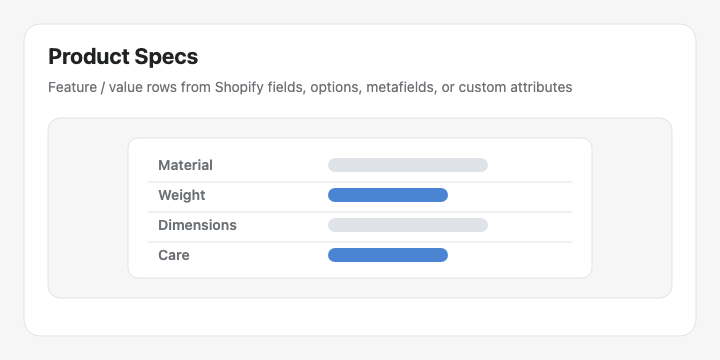
Product Specs & Comparison
Use groups and modules. Drag to reorder. Prefer Shopify-backed modules so storefront values stay accurate.
Tabbed
Each tab holds its own list of modules (rich text, data table, image, product fields).
Us vs Them
Edit columns and feature rows with yes / no / text cells and optional CTAs.
Refine with AI
On Structure, open Refine with AI. The table type stays locked. Provide text and/or an image to rebuild rows, groups, charts, or tabs — then confirm before replacing structure.
Tip: See Modules & product fields for the full module list.
Was this helpful?
Still need help? Ask the team