Comparison table
Let shoppers compare products side by side with live attribute rows.
Written By Floris de Vries
Last updated About 2 months ago
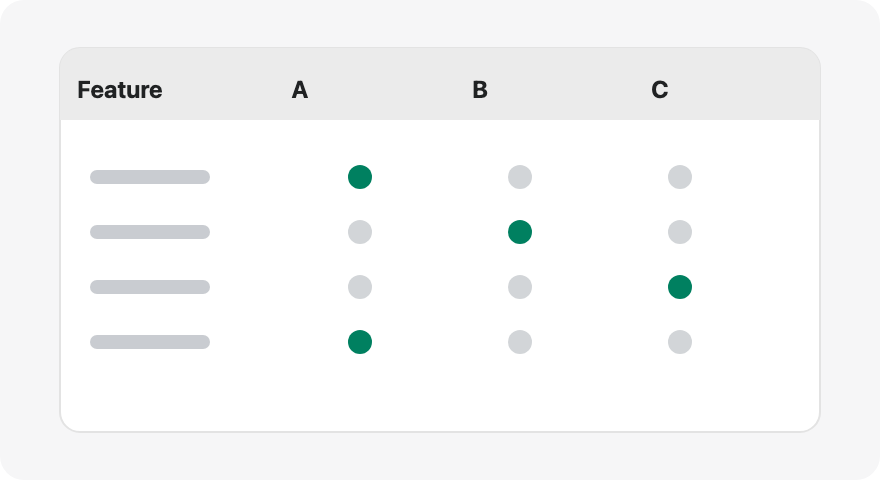
Comparison tables let shoppers pick products on the storefront and compare them side by side. You define the attribute rows; values come from each live product.
Structure
Add attribute modules (Weight, Price, options, custom attributes, …).
Group attributes under headings when helpful.
Placeholder column labels (Product 1 / Product 2) are for the admin preview only — shoppers select real products.
Important: Do not hard-code per-product cell values for live comparison rows. The storefront fills cells from each selected product.
Design
Layouts such as grid, cards, or spotlight
Comparison modal and tray styling
Add to compare button appearance
Storefront placement
Enable the app embed (required for tray / modal).
Optionally add the Compare button theme block, or turn on auto-inject under the price in Settings.
Was this helpful?
Still need help? Ask the team