What is Tables, Specs & Comparisons?
Build size charts, specs, comparisons, tabbed content, and Us vs Them tables for your Shopify storefront.
Written By Floris de Vries
Last updated About 2 months ago
Tables, Specs & Comparisons helps you build storefront tables for product information: size charts, specifications, side-by-side comparisons, tabbed content, and Us vs Them layouts.
You create and style tables in the Shopify admin. On the storefront they appear through theme app blocks, automatic placement, and optional shortcodes — depending on the table type.
What you can build
Size charts — measurement tables (popup or inline), with optional diagrams and multiple charts.
Product Specs — live Shopify fields and custom attributes for the current product.
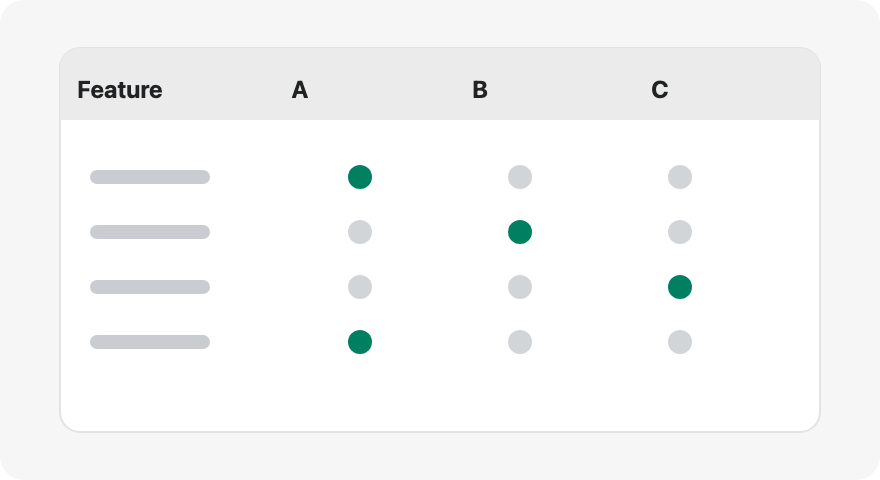
Comparison tables — shoppers pick products and compare them side by side.
Tabbed tables — organize text, tables, and images behind tabs.
Us vs Them — highlight why your brand wins against competitors.
How it works
Create a table (from scratch or with AI).
Structure — build rows, groups, tabs, or measurement blocks.
Design — templates, colors, fonts, and chrome (popup, tray, tabs).
Settings — enable the table, set product visibility, and configure placement options.
Theme — enable the app embed and/or add theme app blocks.
Next step: Follow Quick start to publish your first table.
Was this helpful?
Still need help? Ask the team