Size charts
Build measurement tables with text, images, and multiple chart blocks.
Written By Floris de Vries
Last updated About 2 months ago
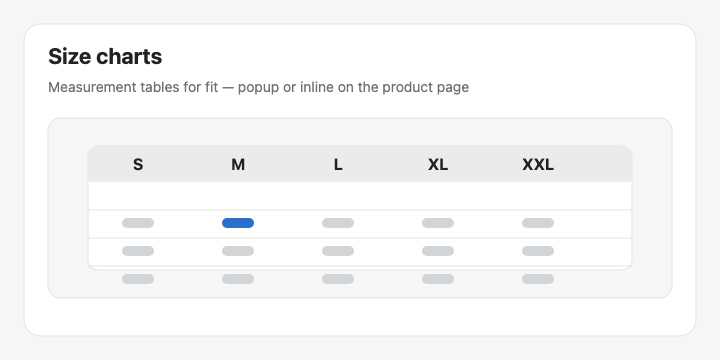
Size charts help shoppers find their fit with measurement tables. You can stack text, images, and multiple tables in one Size chart.
Structure
Open the table → Structure.
Add text, table, and image blocks.
Drag blocks to reorder them.
Edit table cells in full screen; choose whether sizes run as the first column or first row.
Use a separate table block for Men / Women (or other charts) instead of merging them.
Design
Display mode — popup trigger or plain content.
Trigger label, colors, fonts, and table surface styling.
Storefront placement
Add the Size chart theme app block, or
Enable the app embed so matching Size charts can appear above Add to cart automatically.
Tip: Upload a measurement diagram as an image block above the table so shoppers understand Chest / Waist / Length.
Was this helpful?
Still need help? Ask the team