Overview of table types
Compare Size charts, Product Specs, Comparison, Tabbed, and Us vs Them — with visual examples.
Written By Floris de Vries
Last updated About 2 months ago
Each table has one type. The type controls the Structure step, Design options, and how the table appears on your storefront.
These previews match the examples you see when picking a type in the app.
Size charts
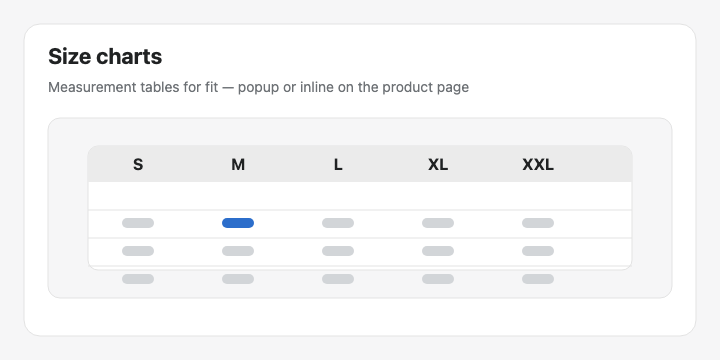
Measurement grids so shoppers can find their fit. Show as a popup trigger or as plain content. Stack text, images, and multiple chart blocks (for example Men + Women).
Product Specs
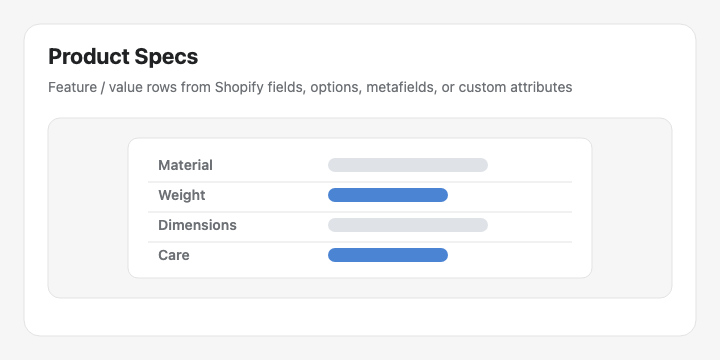
Feature / value rows for a single product. Rows can pull live Shopify data (weight, price, options, vendor, metafields) or custom attributes you enter yourself.
Comparison table
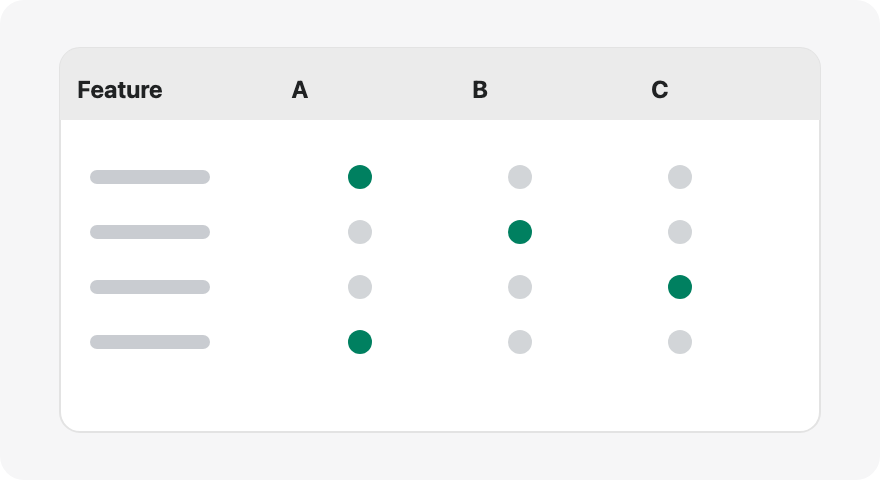
Shoppers add products with Add to compare, then open a comparison tray or modal. You define the attribute rows; values come from each live product.
Tabbed tables
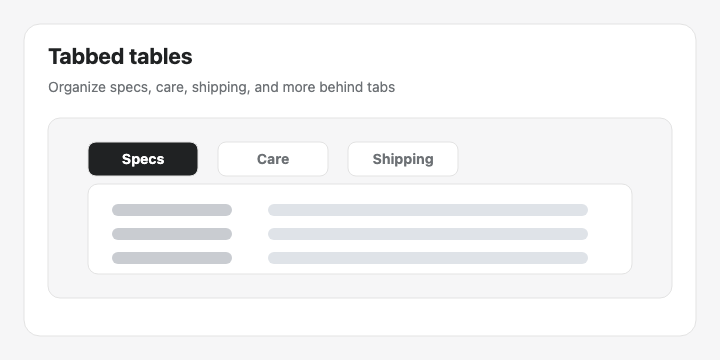
Organize content behind tabs — specs, care, shipping, FAQs, and more. Each tab can hold rich text, data tables, images, and product modules.
Us vs Them
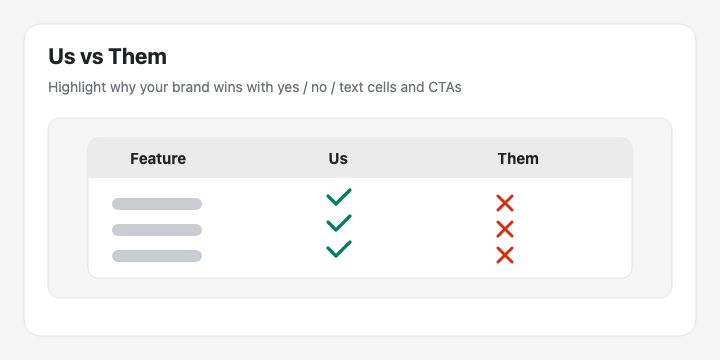
A competitive comparison with yes / no / text cells and optional CTAs. Place it with the Us vs Them theme block and select the table by ID.
Tip: Changing the type later resets Structure for that type. Pick the right type first, or use Generate with AI so the app can choose it for you.
Was this helpful?
Still need help? Ask the team